
ActivRescue
Solutions for every kind of user
Whether you are on your own, supporting a relative, or representing a community program, ActivRescue adapts to how you need help. Below that, a deeper look at the advantages built into the experience.
For individuals
Peace of mind on the go
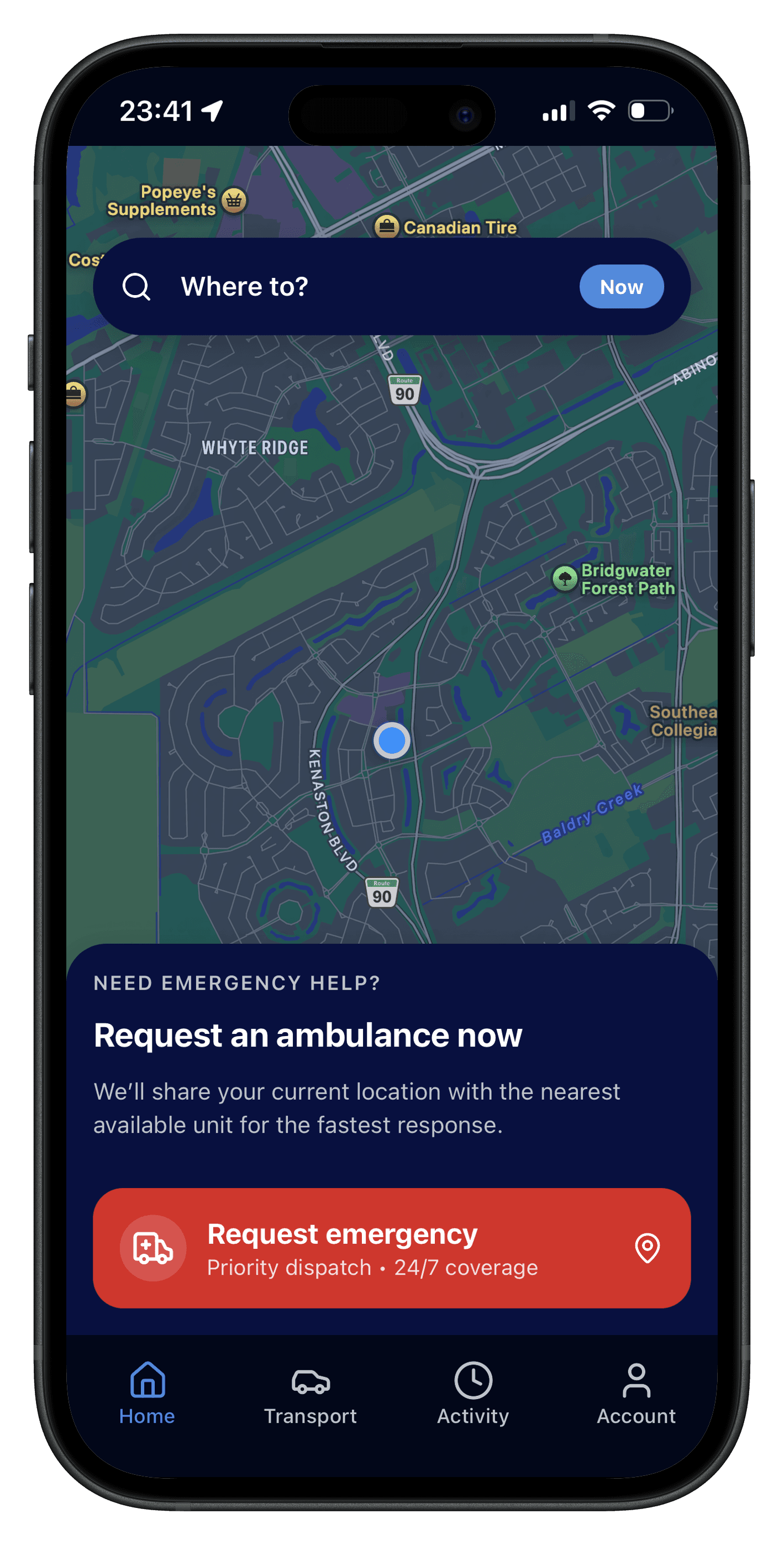
- Request emergency help in a few taps with your location shared for faster response.
- See status updates without hunting through menus.
- Optional family or contact alerts when you need support.
For families
Stay connected
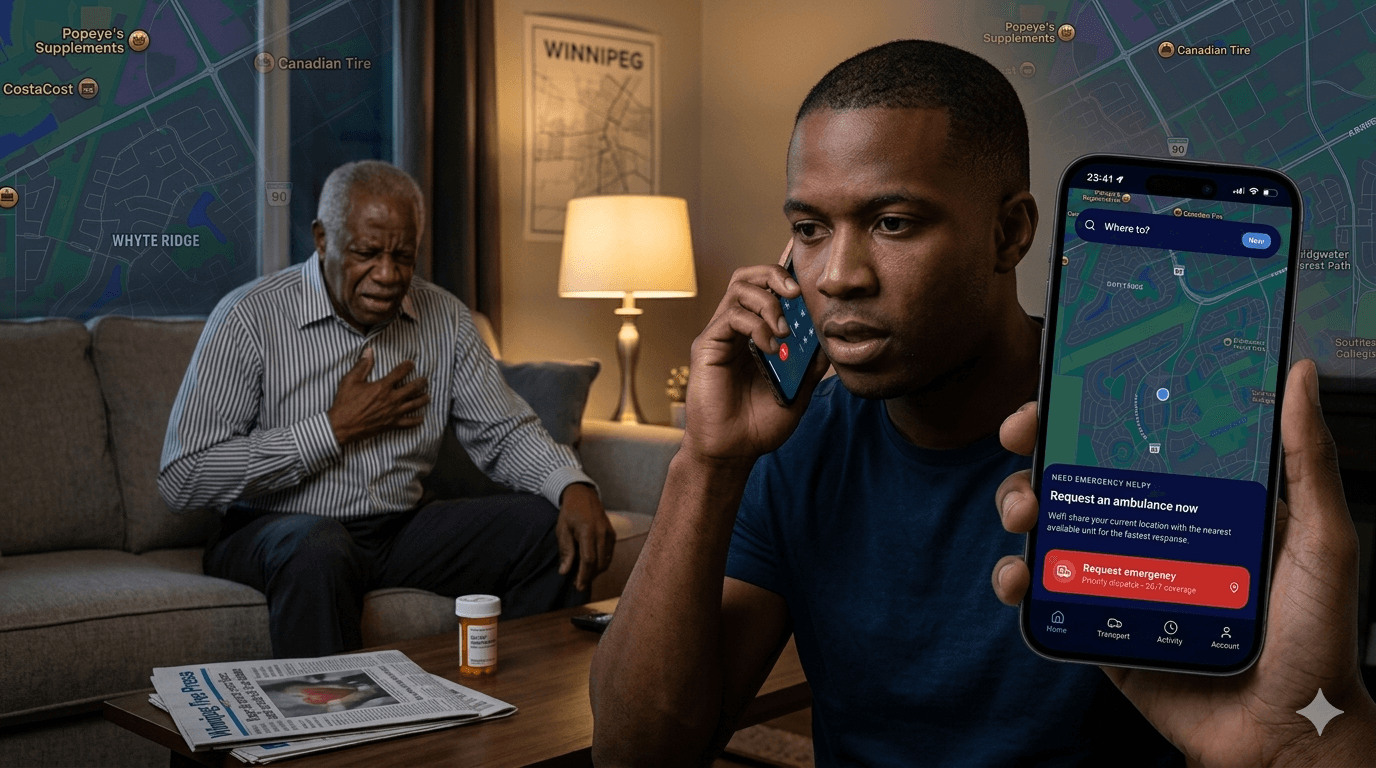
- Caregivers can coordinate help when a loved one needs assistance at home.
- Clear, calm UI so everyone knows what to do next.
- Designed so non-technical users feel confident.
For communities
Stronger together
- Local programs and trusted partners can reach people who need help.
- Roadmap for broader language and accessibility support.
- Built to complement civic and health initiatives.
Advantages
The ActivRescue advantage
Speed, clarity, privacy, and human-centered design—why people trust the app when stress is high.
24/7
Placeholder coverage window
1 tap
Core emergency path (goal)
Live
Status updates (roadmap copy)
Why people choose ActivRescue
These advantages are written for end users and caregivers—not for dispatch consoles. Replace figures and claims with your verified metrics and regulatory language when you go live.
Speed without panic
When someone is in distress, every extra tap or confusing screen adds stress. ActivRescue is structured so the fastest path to help is also the clearest: open the app, confirm your need, and share location in one coherent flow. The interface stays calm so decision-making stays calm.
Location that actually helps
Emergency response depends on knowing where you are. The app is built around precise, consent-based location sharing so dispatch and responders spend less time searching and more time en route. You stay in control of what is shared and when.
Privacy by intention
Help should not come at the cost of oversharing personal data. Data collection is scoped to what coordination requires, with plain-language explanations and room for your legal team to refine policy pages before launch.
Built for real households
Emergencies often involve a worried family member or neighbor—not a trained operator. Large type, high contrast, and predictable navigation make the app usable under fatigue, at night, or for people who do not live on their phones.
Priority pathways
Critical requests are visually and structurally distinct from everyday features, so there is less chance of tapping the wrong thing under pressure. Copy and hierarchy reinforce that emergency actions are serious and immediate.
Human tone, not jargon
Users are not reading an ops manual—they are afraid. Wording favors reassurance and clarity over internal terminology. That consistency extends across notifications and in-app guidance.
At a glance vs. the old way
Illustrative comparison—tune messaging for your market and compliance review.
| Topic | Typical experience | With ActivRescue |
|---|---|---|
| Getting help | Multiple calls, repeating your address, long hold times. | Structured in-app request with location context from the start. |
| Knowing what happens next | Uncertainty until someone calls you back. | In-app updates designed to reduce “what now?” anxiety. |
| Using it under stress | Dense forms and tiny controls. | Large targets, dark-friendly UI, and a focused emergency surface. |
Transparency that builds trust
Users should understand what the app can and cannot do. Clear expectations around response times, service areas, and partner organizations reduce frustration and support tickets. Use this section on the live site for your actual SLA and coverage map.
Designed with caregivers in mind
Many emergencies involve someone acting on behalf of a parent, child, or neighbor. Flows should support guided use—voice prompts, simple checklists, and optional sharing with a trusted contact when your product roadmap allows it.
Ready to see it yourself?
Download the app or share it with someone who should have it before an emergency—not during one.
Go to download