
1. Emergency request
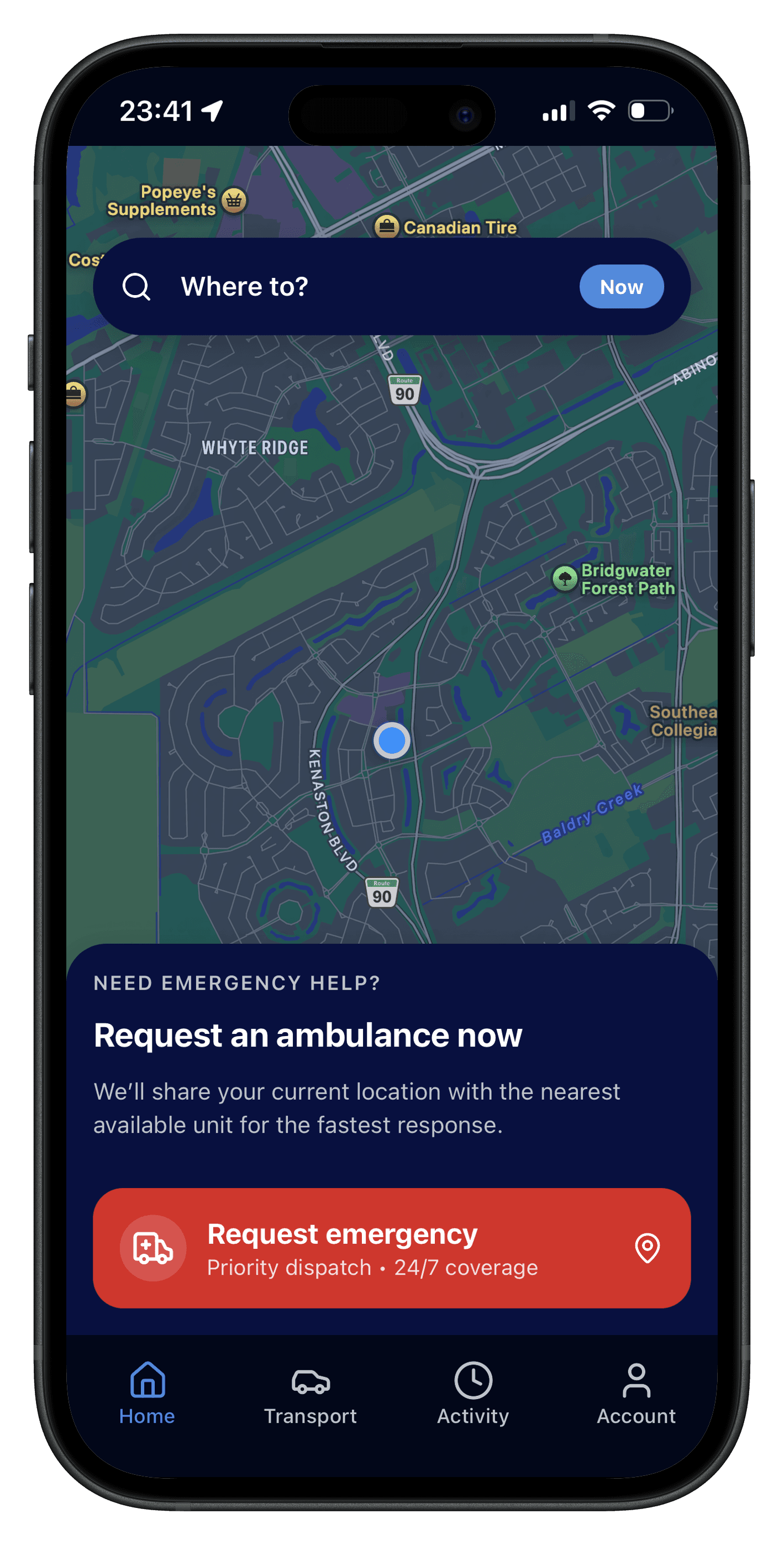
Press the red button to initiate an emergency request. This process is designed to quickly request emergency care and transport, ensuring that necessary information is provided to expedite care.
ActivRescue
Start with the essentials, then open the full ActivRescue Guide—interactive playbook and detailed steps with screenshots.
Install ActivRescue from your app store and create an account with email or phone. Add optional profile details so helpers know who they are supporting.
Location is used to route the nearest appropriate help and to show your position on the map. You can review what is collected in your privacy settings (copy subject to your policy).
For emergencies, use the prominent request flow so dispatch sees your need and coordinates quickly. For non-emergency transport or information, use the paths your program enables.
Notifications and in-app status keep you informed—reducing repeated phone calls and uncertainty while help is on the way.
Use the interactive playbook below, then scroll through the steps for a written walkthrough with screenshots.
Press the red button to initiate an emergency request. This process is designed to quickly request emergency care and transport, ensuring that necessary information is provided to expedite care.
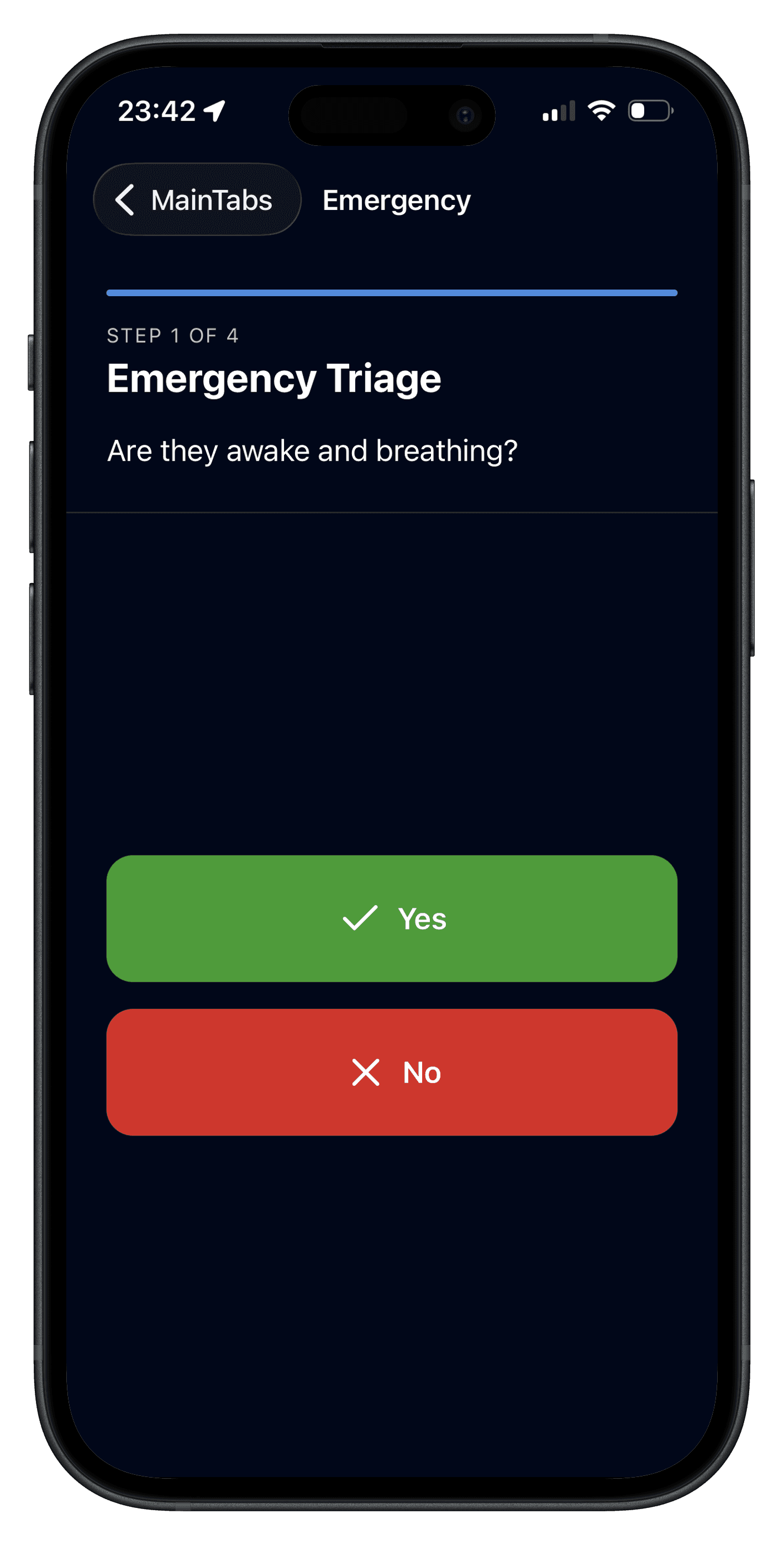
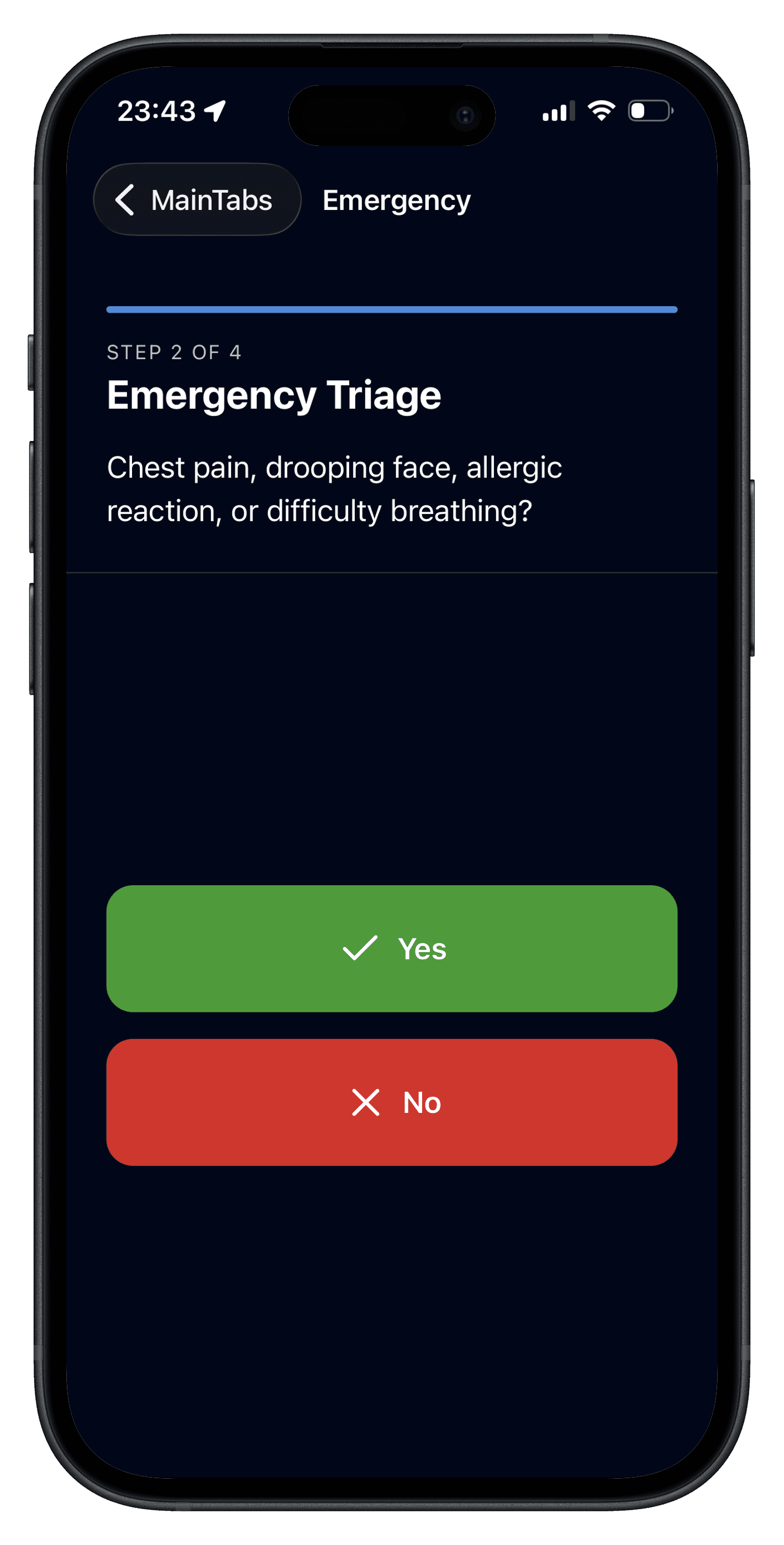
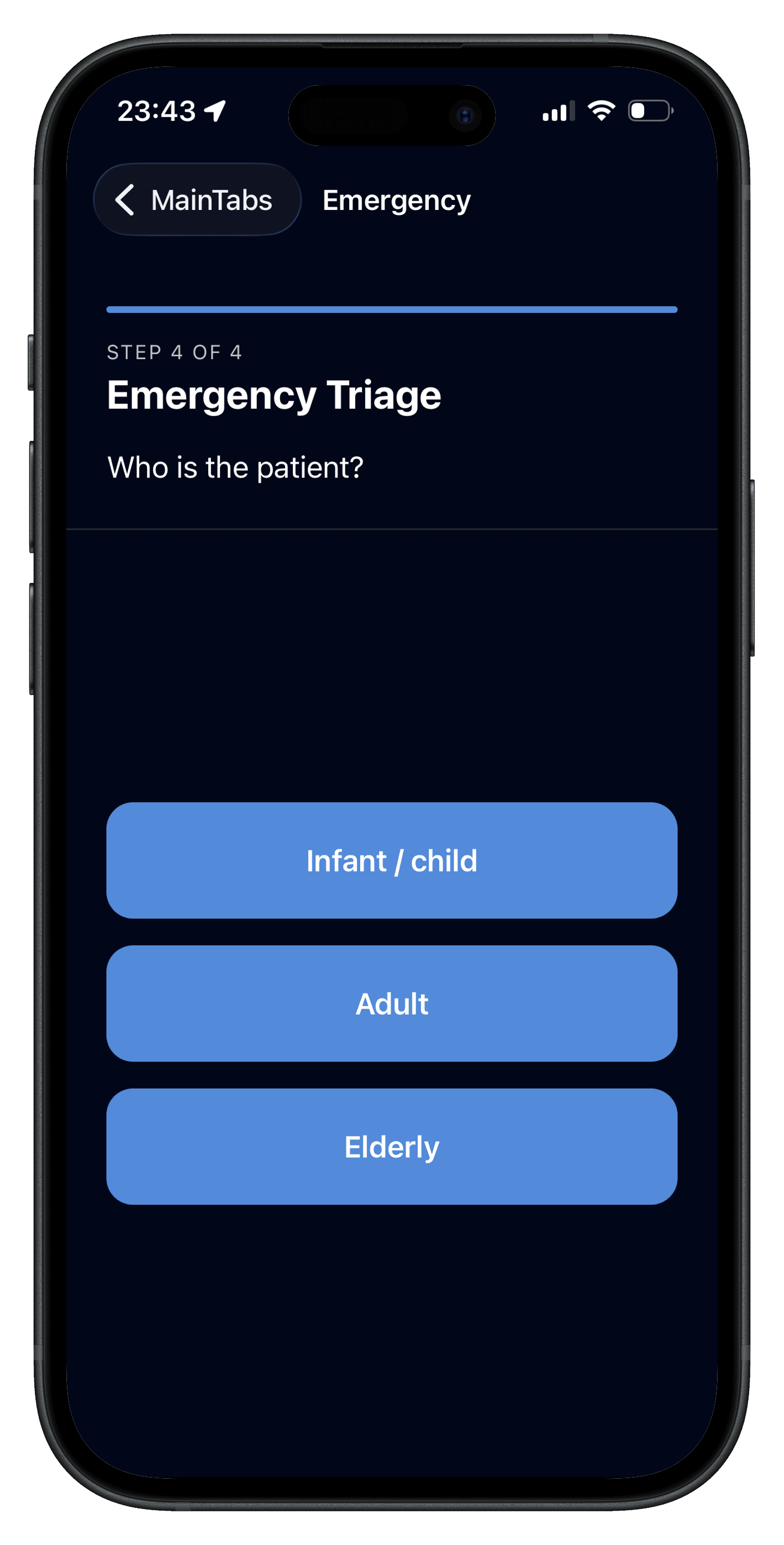
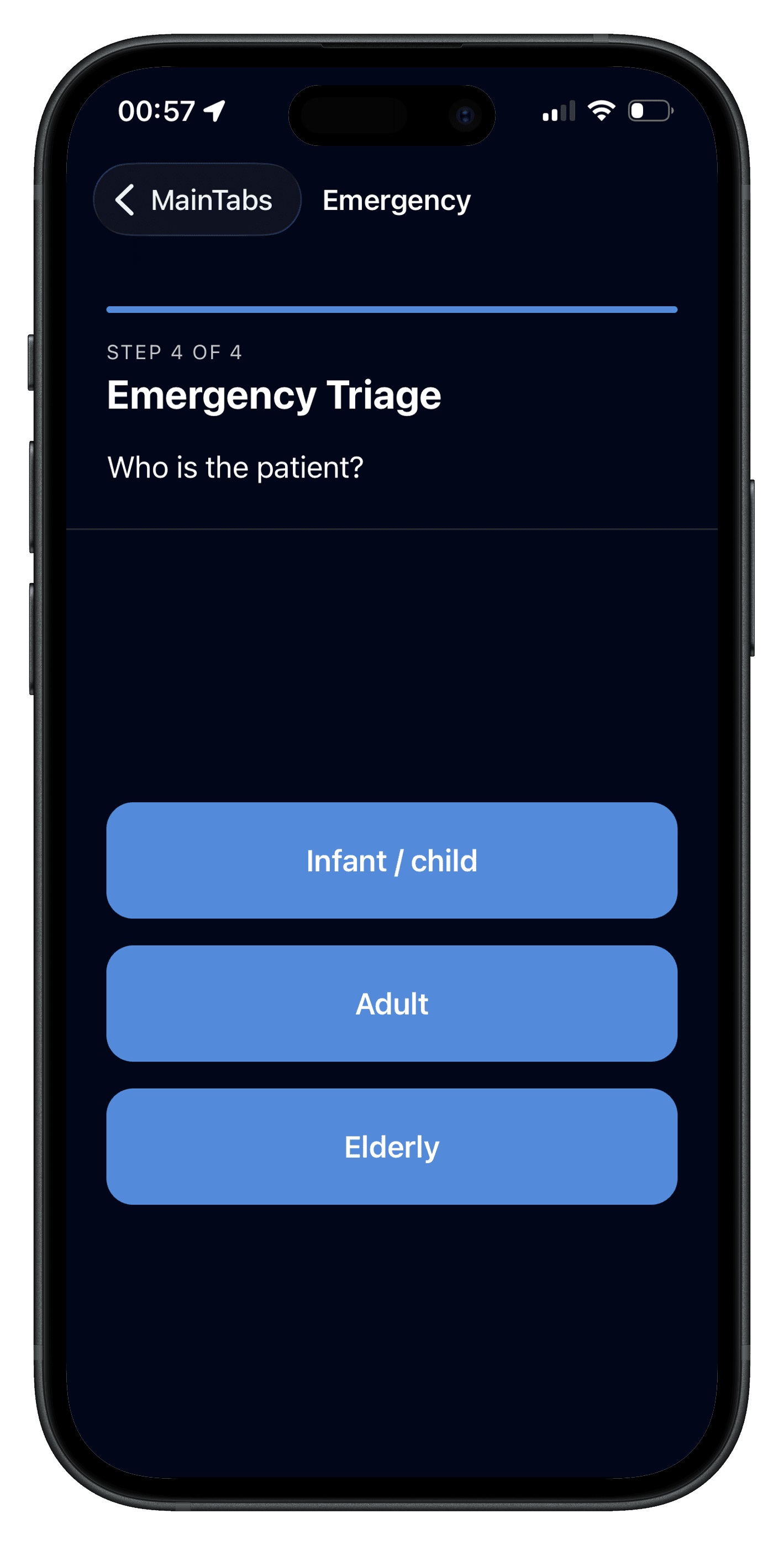
Quickly respond to the triage questions that aid medics in providing appropriate care. These consist of 2 to 4 questions that help medics prioritize and prepare effectively.
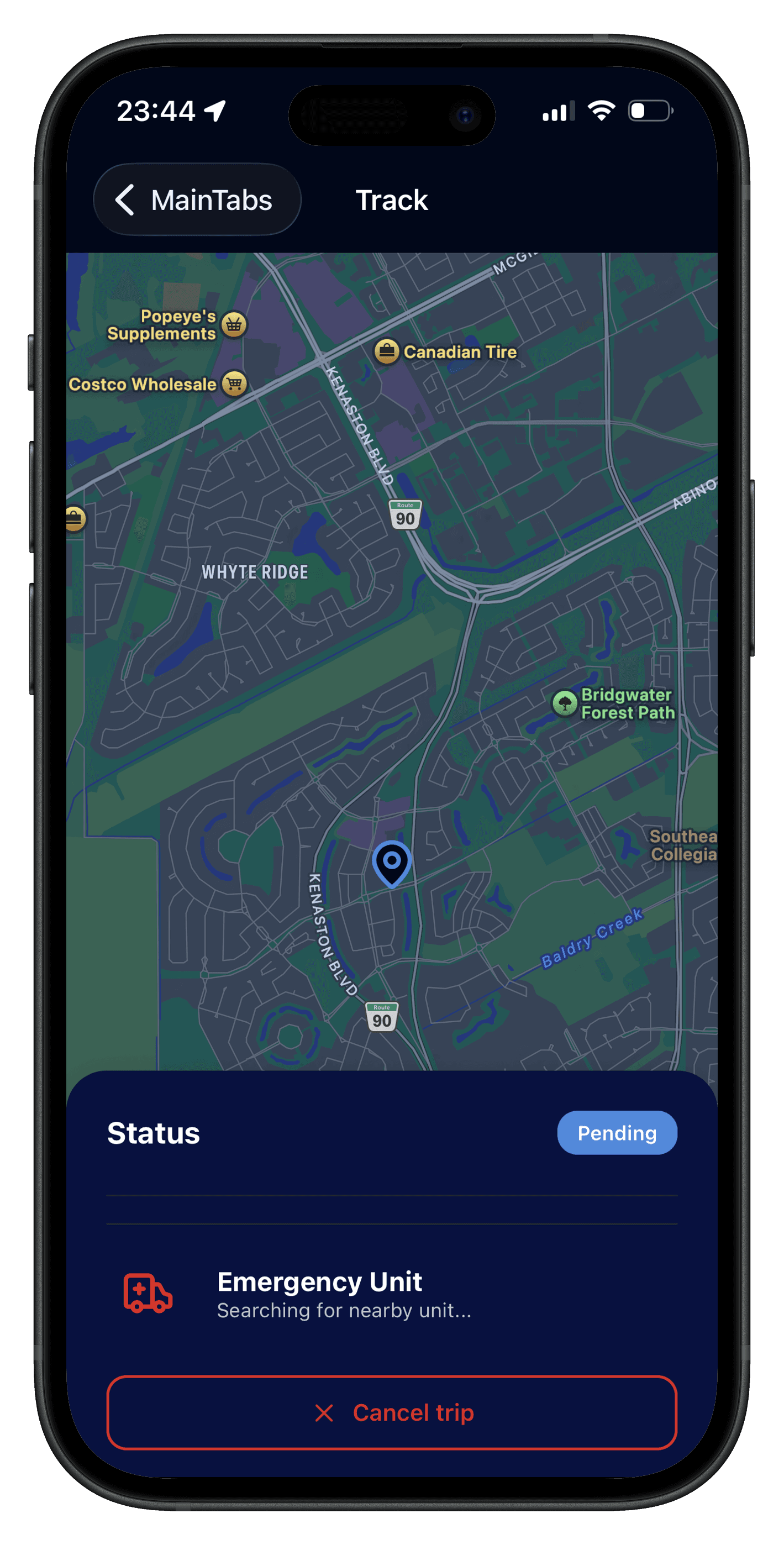
ActivRescue locates nearby ambulance units in real time and assigns your request to the most suitable unit available so help can arrive as quickly as possible.
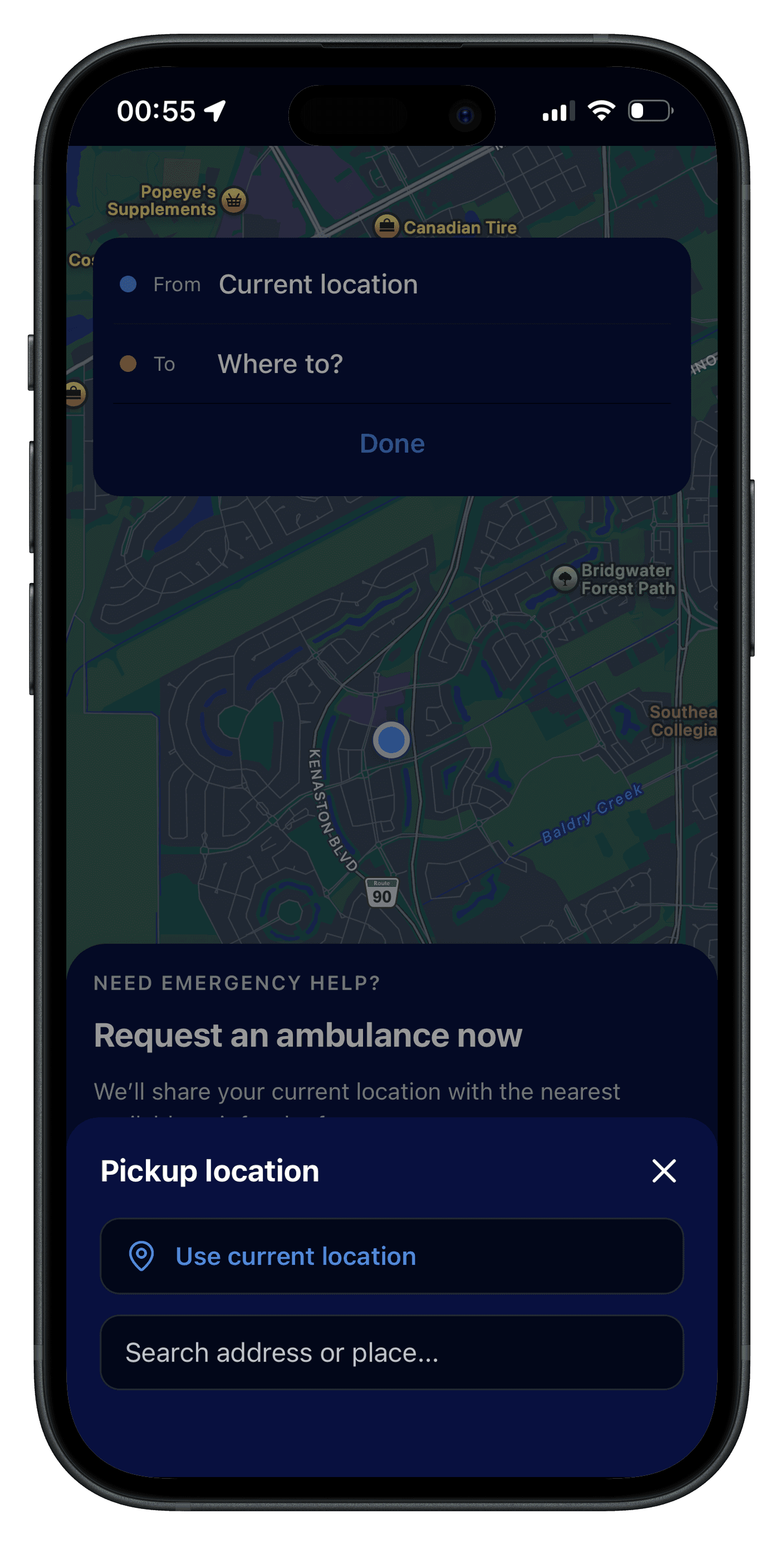
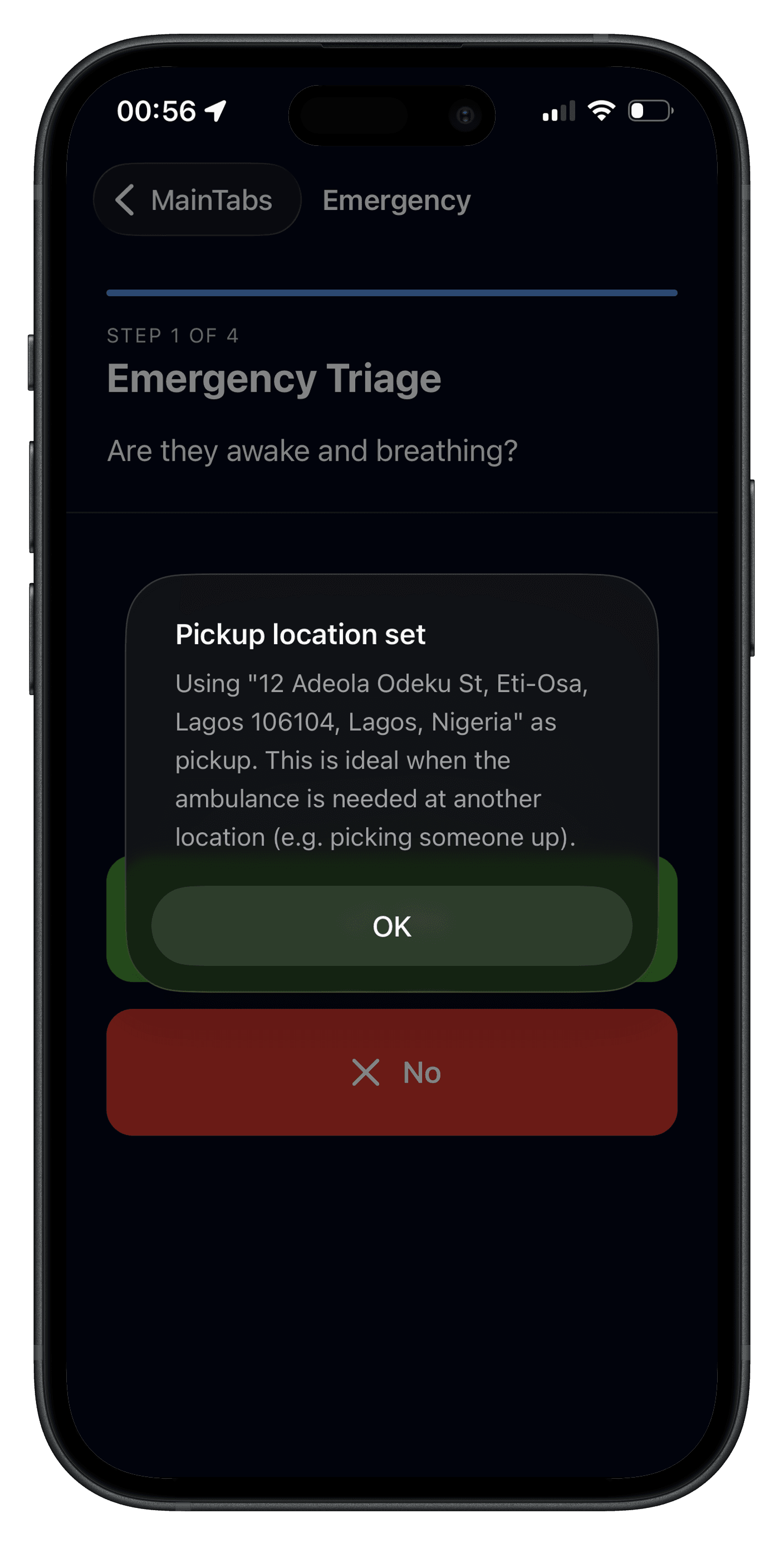
Sometimes you may not be the one who needs an ambulance. You can request one for a friend or family member by selecting a pickup location.
Select the pickup location.
You will be notified when the request location differs from your current location.
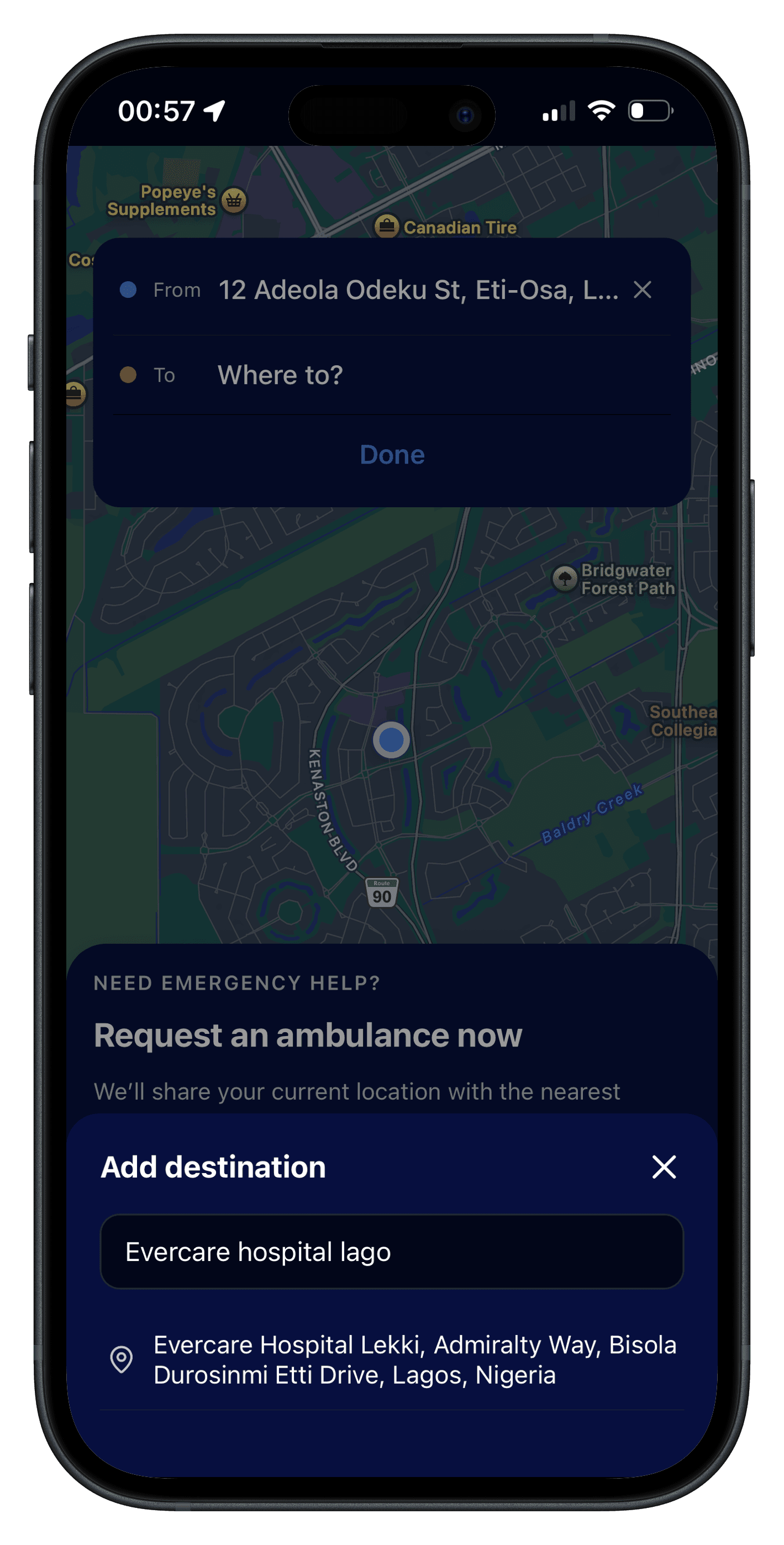
You can choose a destination that suits your needs—such as a preferred or convenient hospital—so you can make an informed choice about where to receive care.
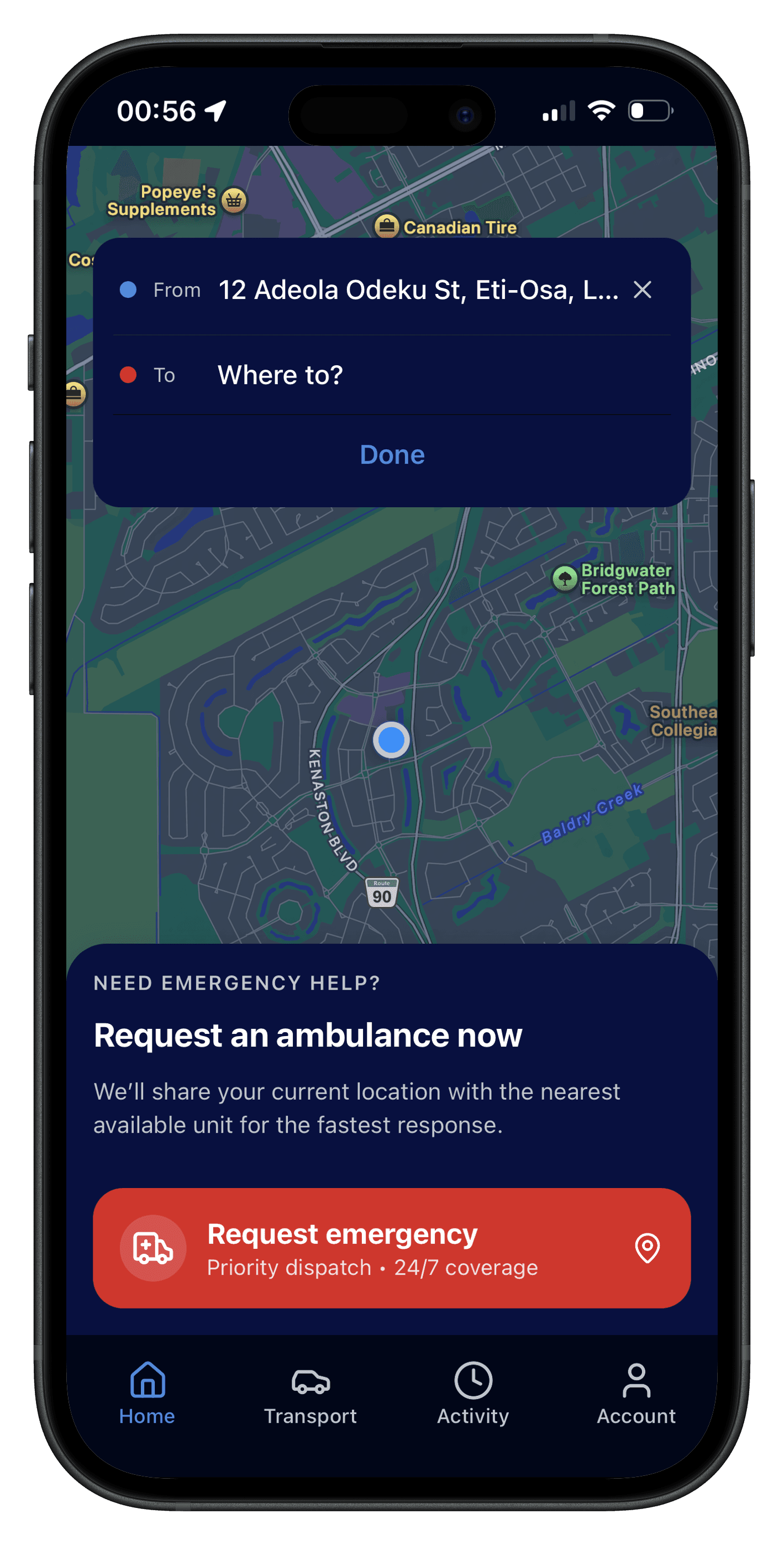
Add a destination.
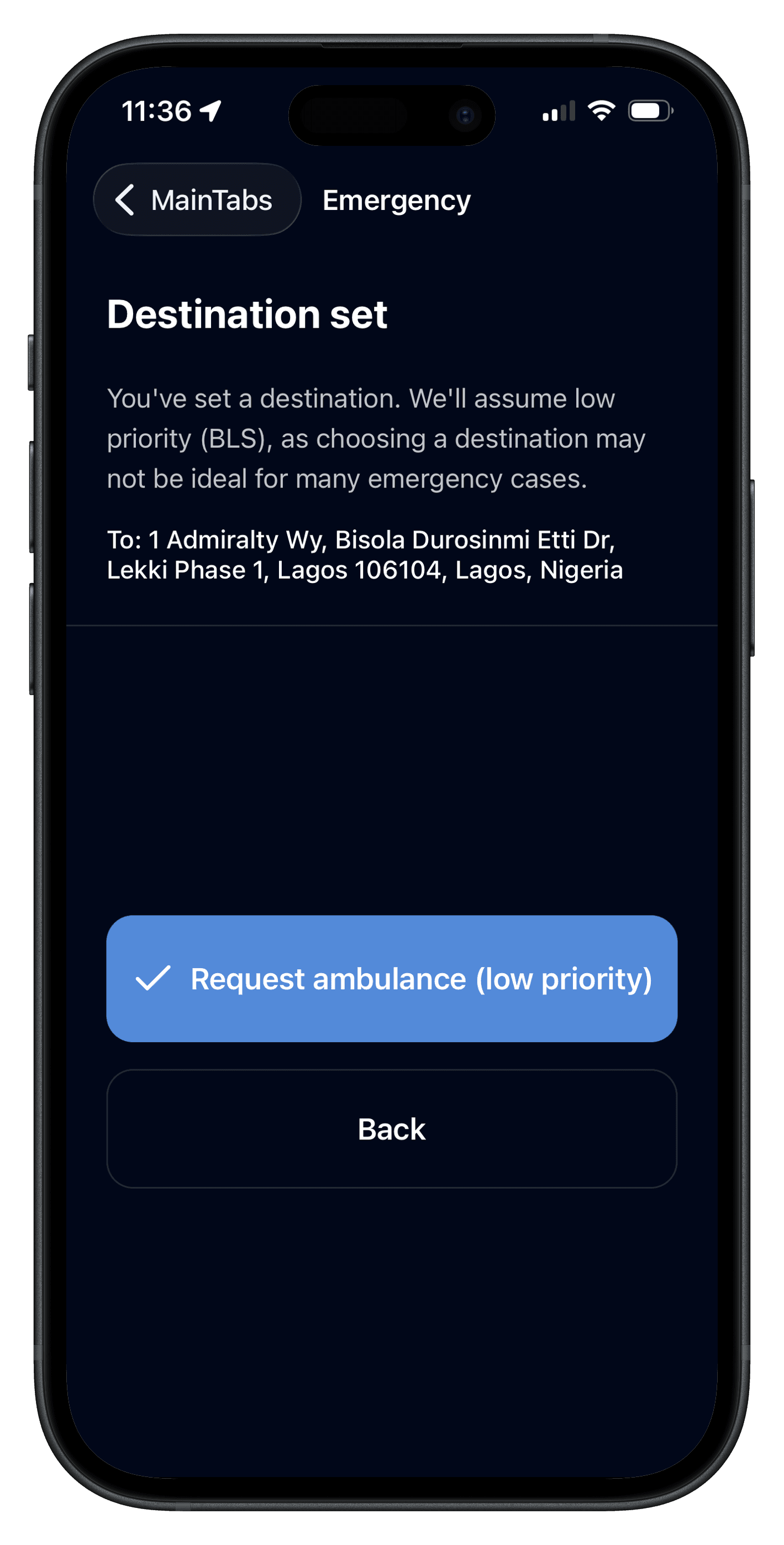
Choosing a destination may affect request priority if it causes delays. The medic’s judgment determines the final destination.
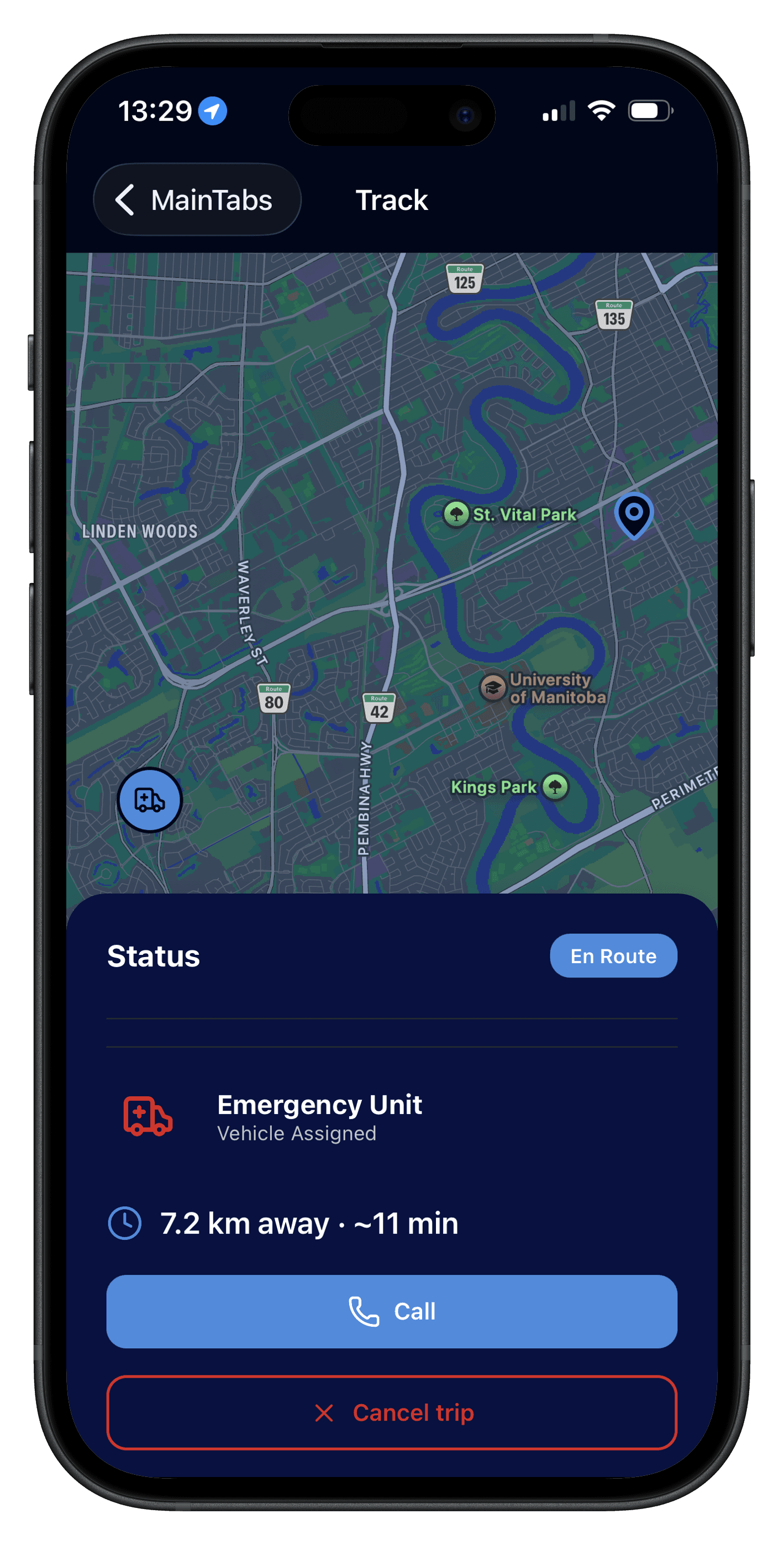
An ambulance is dispatched to the pickup location. You can see an estimated time of arrival so you know when help is expected.
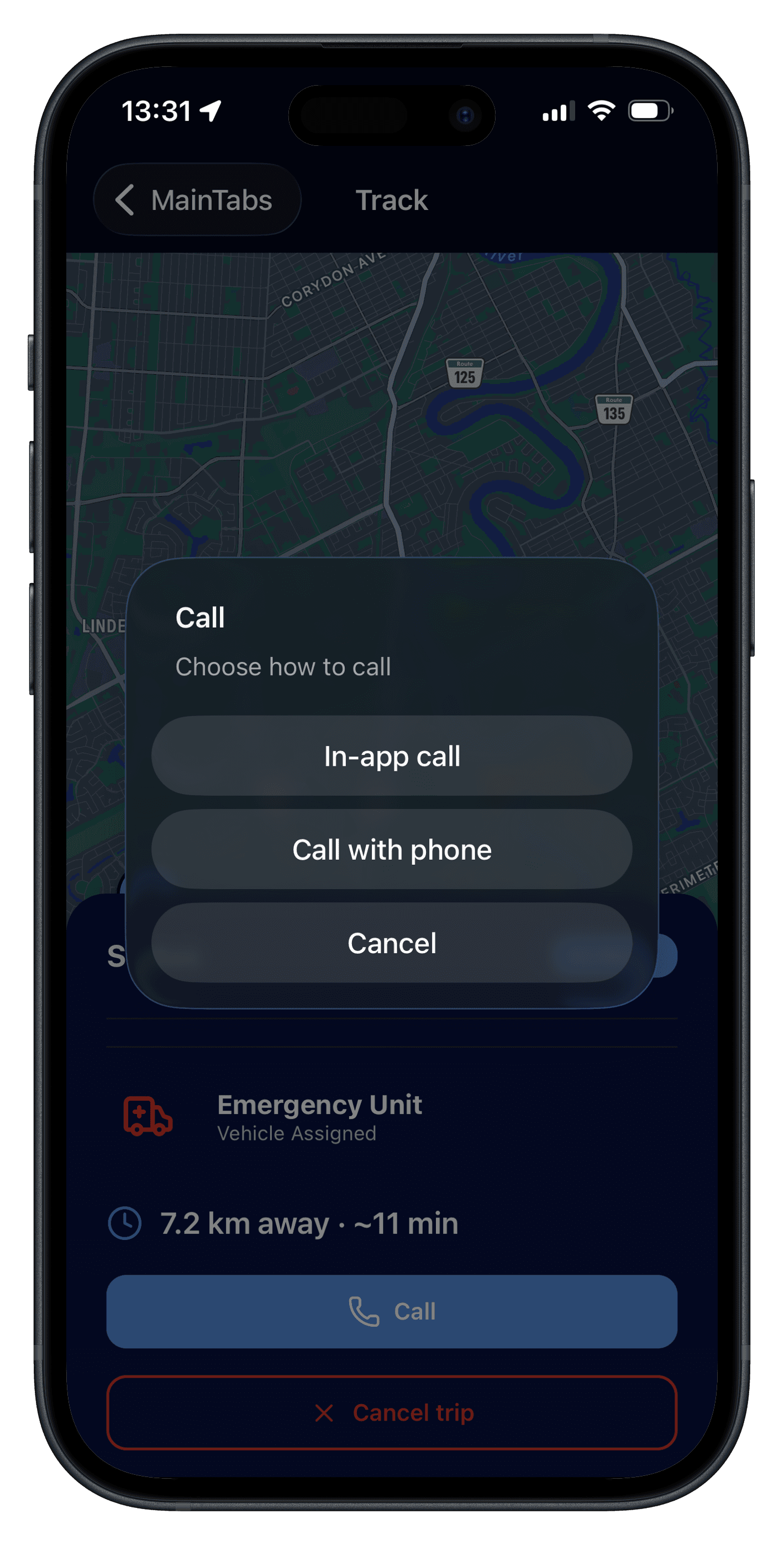
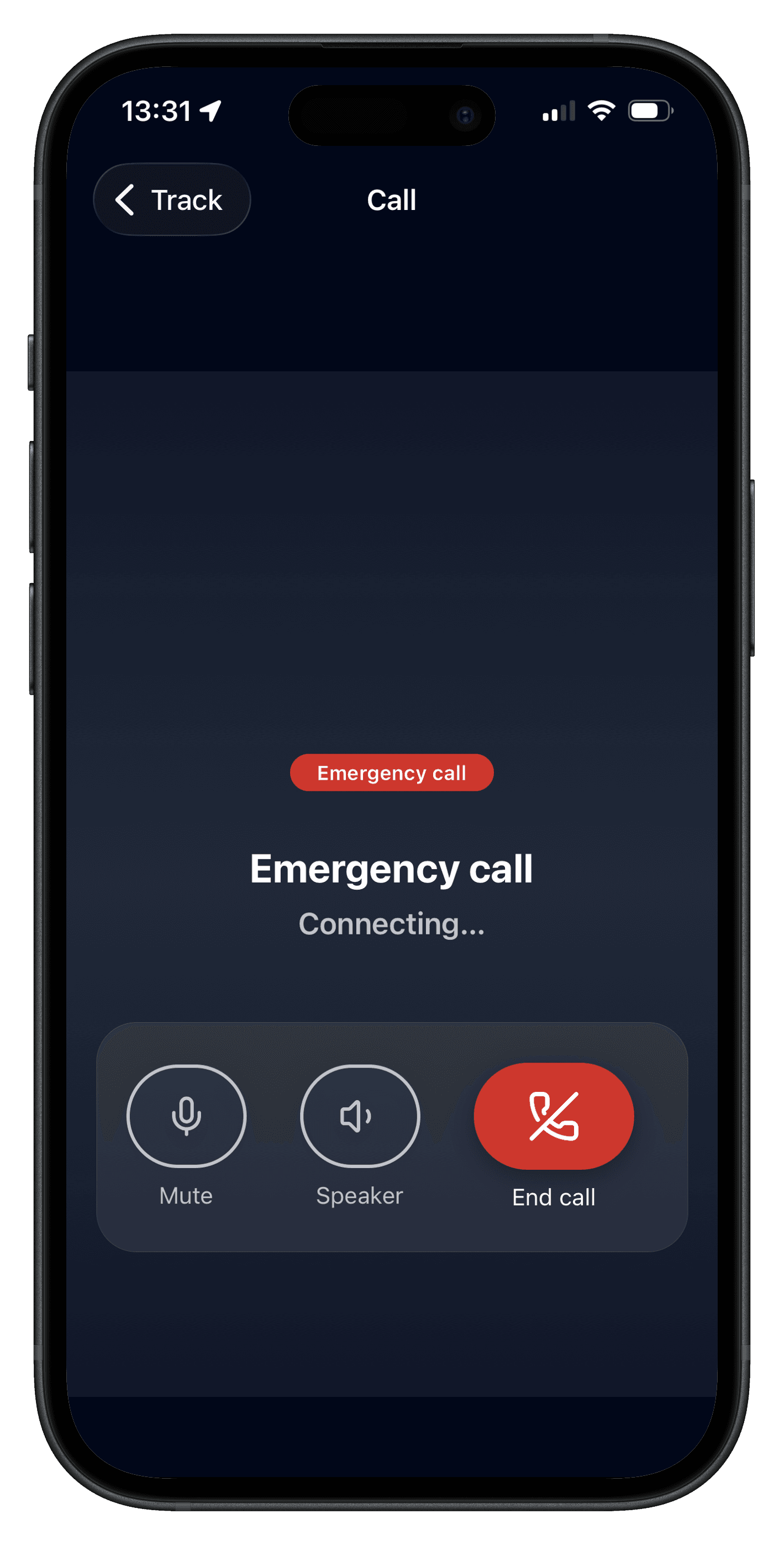
Contact a medic with an in-app internet call or a traditional phone call to share more information or follow instructions.
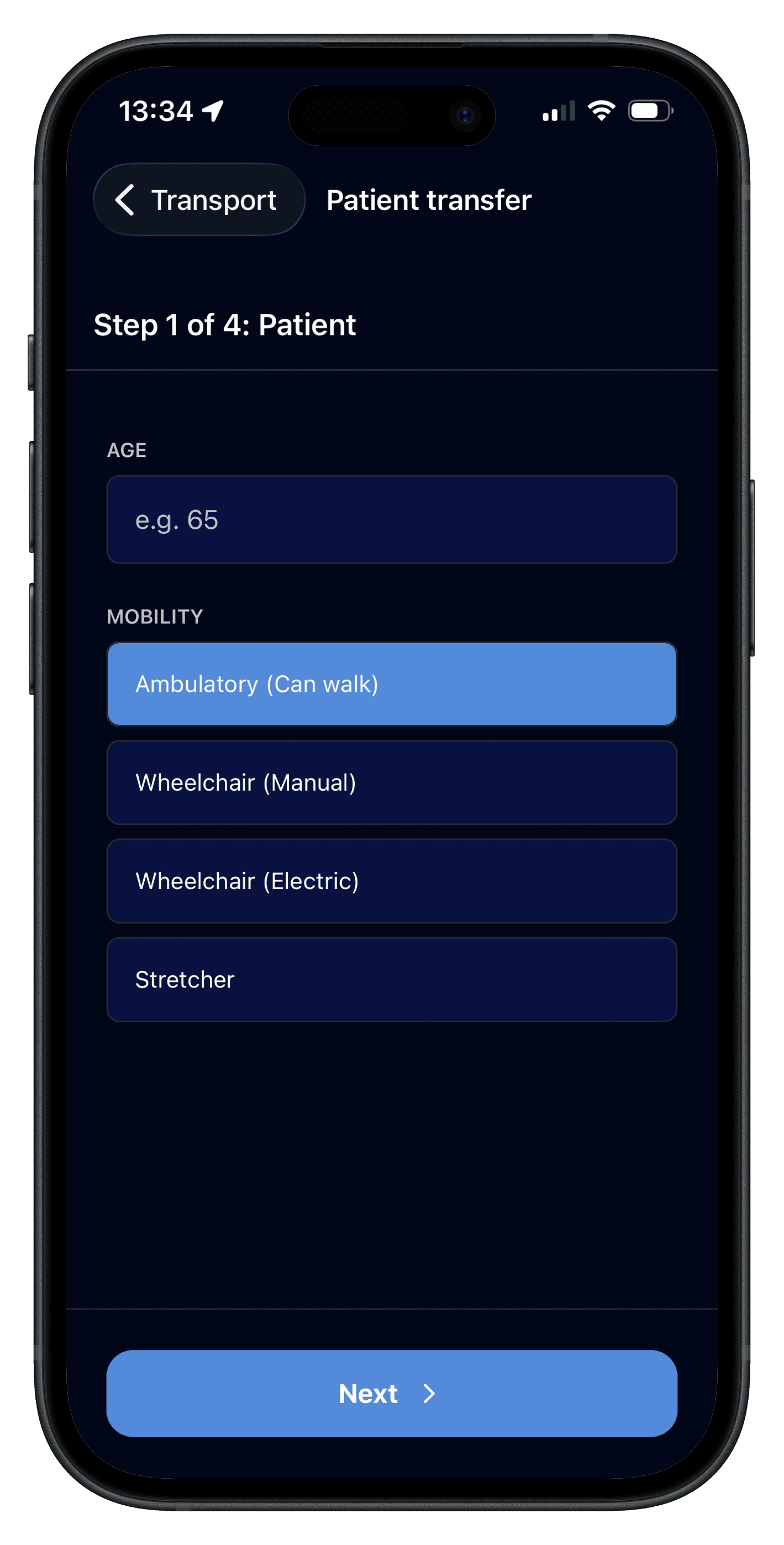
For situations without an immediate threat to life or health, you can schedule ambulette transport through a dedicated flow. The app helps surface suitable, cost-aware options for your needs.
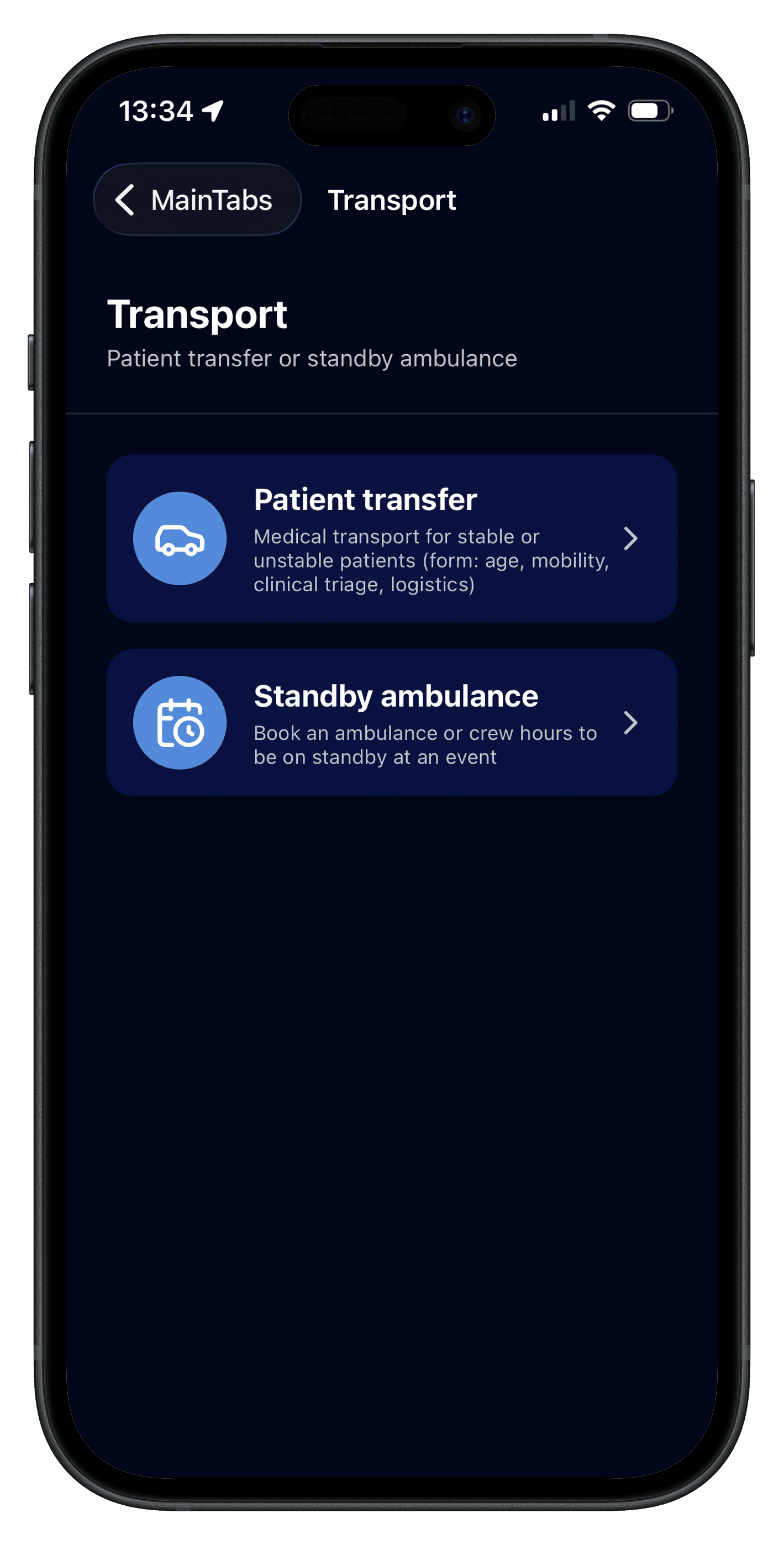
Patient transport and standby ambulance.
Complete the patient form with stability, location, destination, ambulance requirements, and other non-identifying details so transport can be arranged smoothly.
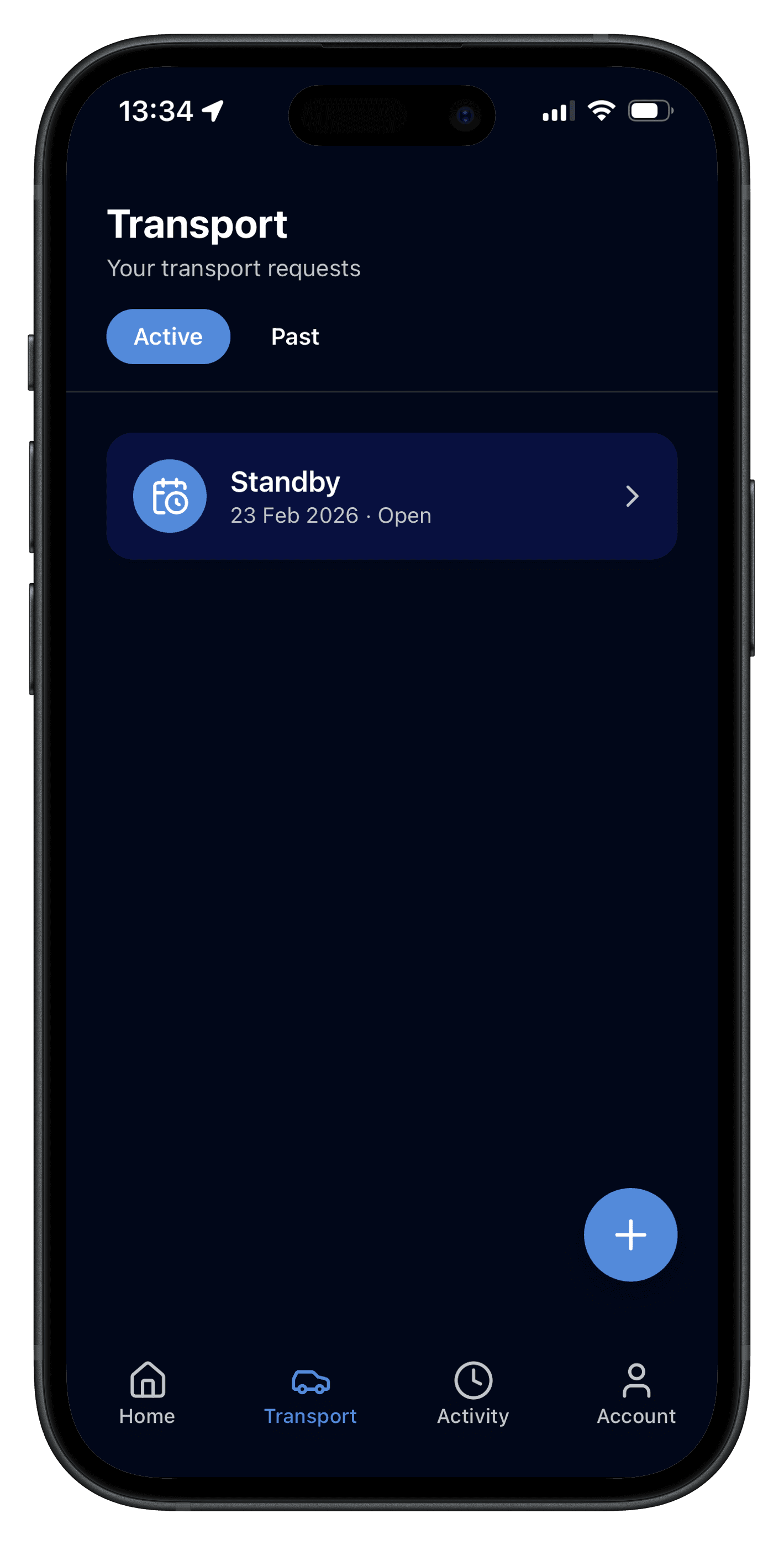
Request a standby ambulance for a set duration—ideal for events that expect large attendance.
Medics submit bids for patient transfer and standby ambulances with details, photos, and clear pricing. You can compare options and choose what fits your situation.
Thank you for choosing ActivRescue.